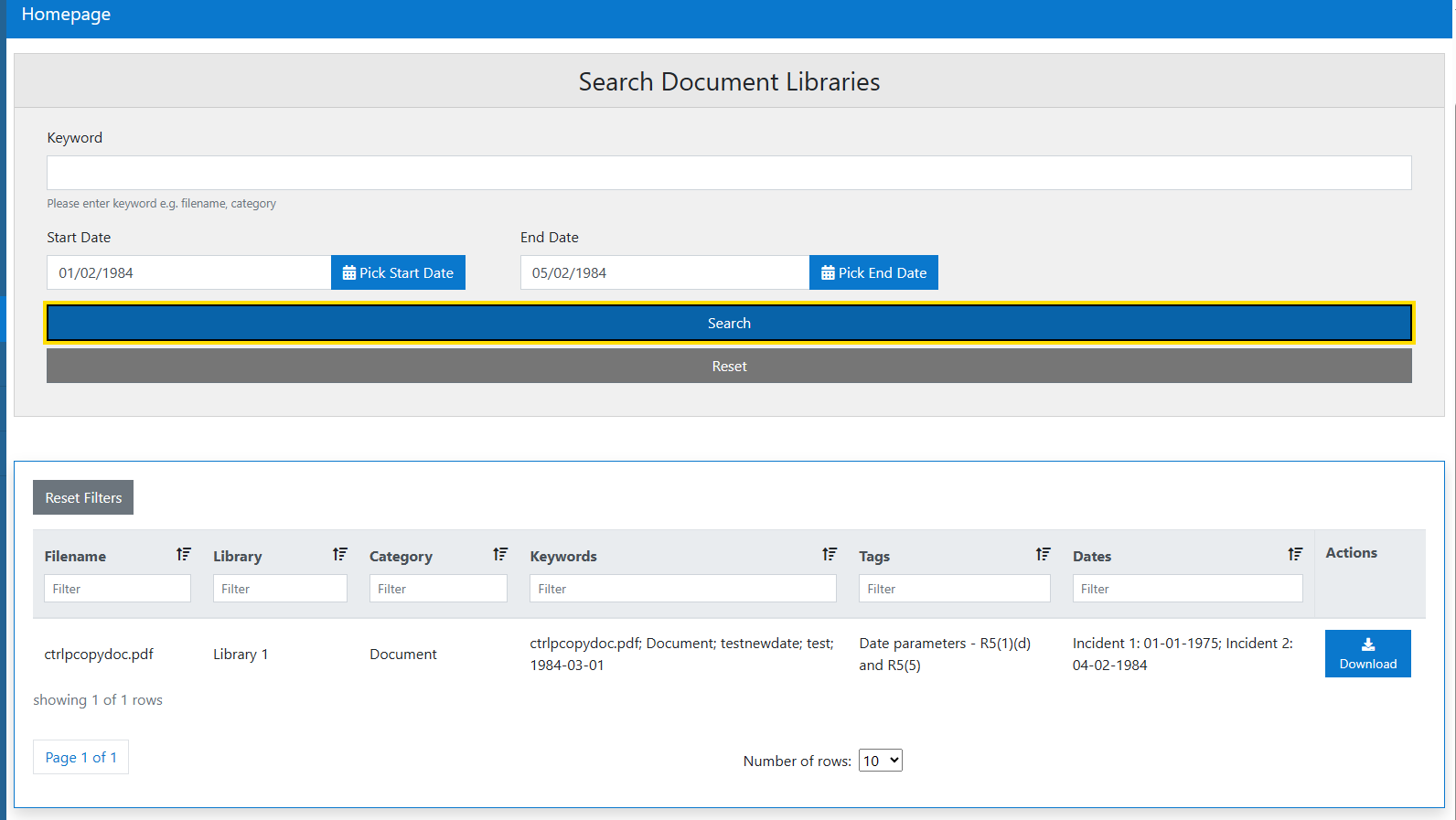
Search Libraries
The Search Documents libraries screen is the homepage for the Documents Manager public application.
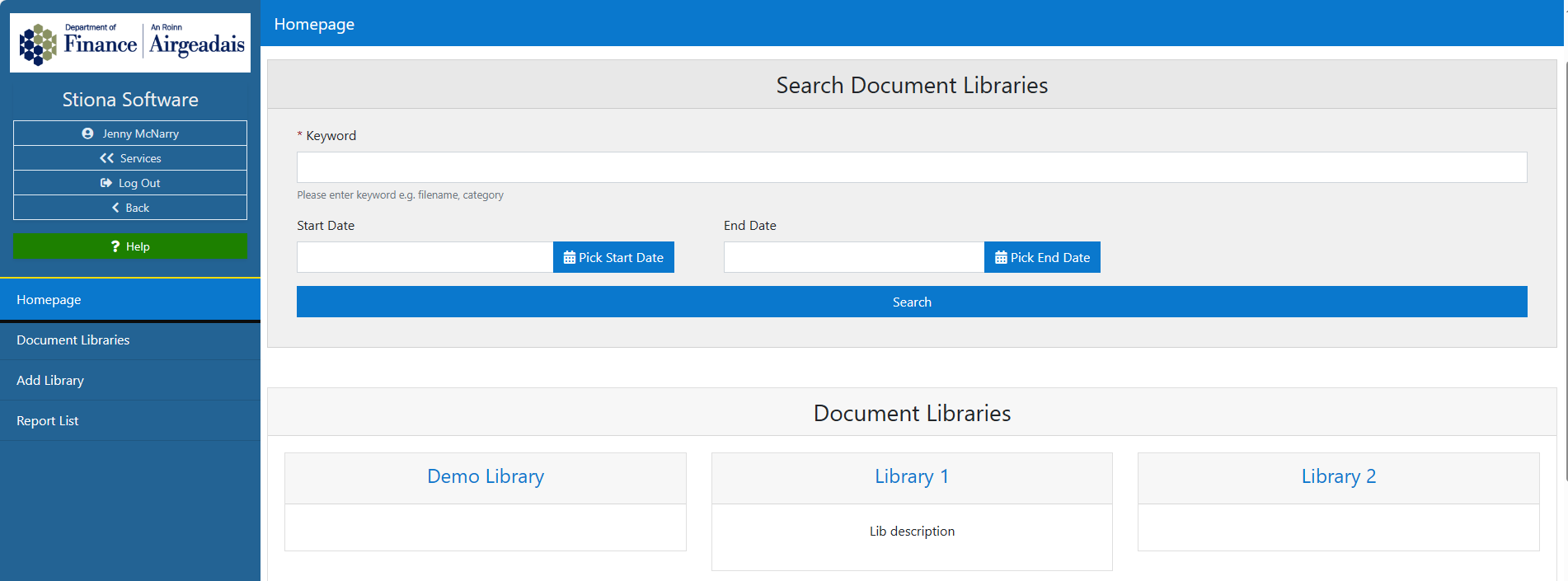
It is visible to all users and on this screen, a user can undertake a search of all libraries or a specific library if required.
All available libraries are displayed under the Document Libraries heading, in a tile format showing the library name and short description (if applicable).
By entering a keyword or phrase into the search bar, the system will return a list of matching documents - that the user can then view/ download.

For documents that have dates tagged, a date range search is available that will return any documents with dates within the range entered.